|
|
Hi Ulanzi Support,
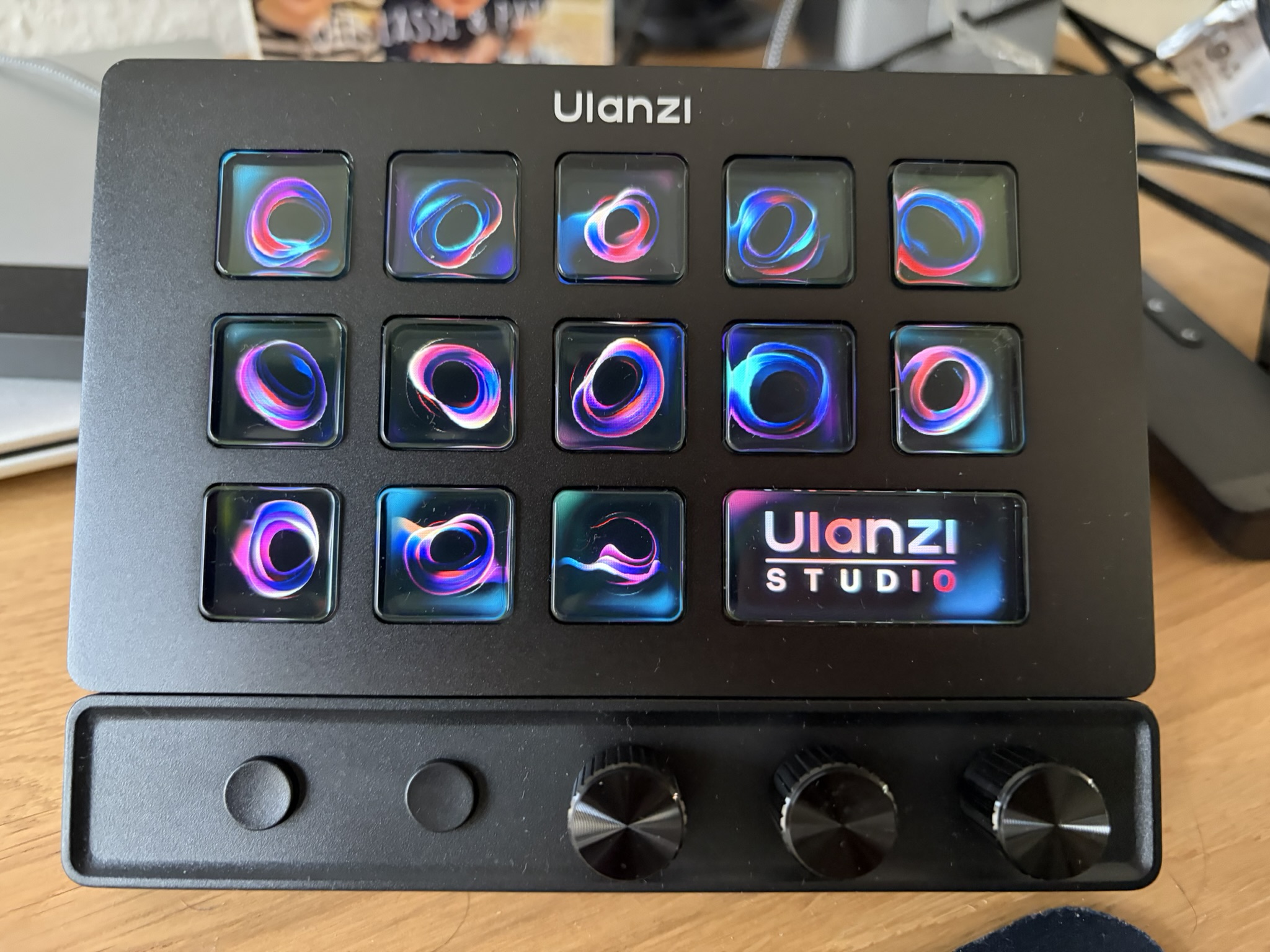
My D200X stays on the colored Ulanzi startup animation when Ulanzi Studio connects on my Windows 11 desktop. Windows detects the device and Studio shows it as connected, but the buttons do not load the default layout or respond. The same deck worked on a second laptop with the same Studio version.
Hardware SSD210V100, serial prefix 02
Firmware 5.3.6
Ulanzi Studio 3.4.16
The issue returned after switching to a larger custom profile. It now also happens with the factory profile. I’ve tested fresh Studio profile folders, two different USB controllers, external USB‑C PD power, and a reinstall of the same Studio version to C:\UlanziStudio. The issue persists. After one freeze, the deck also stopped responding to a USB device-info request that had previously worked.
Can you help identify where the connection stalls? Is there a supported way to clear the device’s saved state or recover this specific SSD210V100 revision? I can provide the Studio .xlog and a USB trace privately.
|
-
|
 English
 简体中文
 繁體中文
 한국 사람
 日本語
 Deutsch
 русский
 بالعربية
 TÜRKÇE
 português
 คนไทย
 french


 发表于