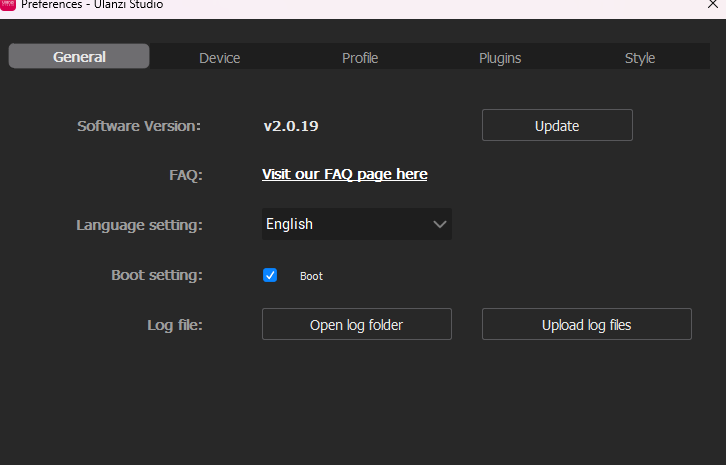
1. The compressed file in the link contains the Word tutorial and important precautions - please read them carefully. There are two IMG files in the folder. Please upgrade the RK firmware after exiting the Ulanzi Studio App.
2. The forceps used for short-circuiting must be conductive. First, touch the two contacts with the forceps, then insert the USB cable. Please follow this sequence strictly and check if the RK App detects the new device before proceeding to the next step.
3. If the screen displays a blank screen after flashing the 2.0.3 version IMG file, please replace it with the 1.7.4 version IMG file. Then install the 2.0.19 application version to push the update to 2.0.3. [The download link for 2.0.19 is provided in the Word document later.]
4. After upgrading the firmware application version to 2.0.3, you can update the Ulanzi Studio app to the latest version.
I followed the instructions you sent and completed the firmware update process, but the issue is still not resolved.
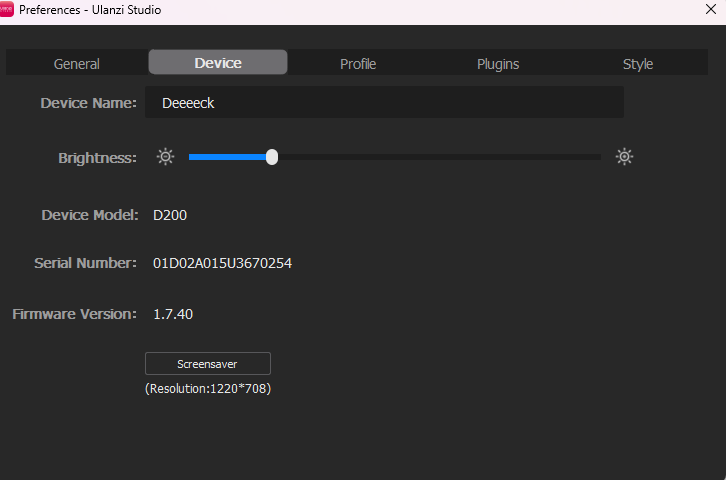
Serial number: 01d02a0
Current behavior:
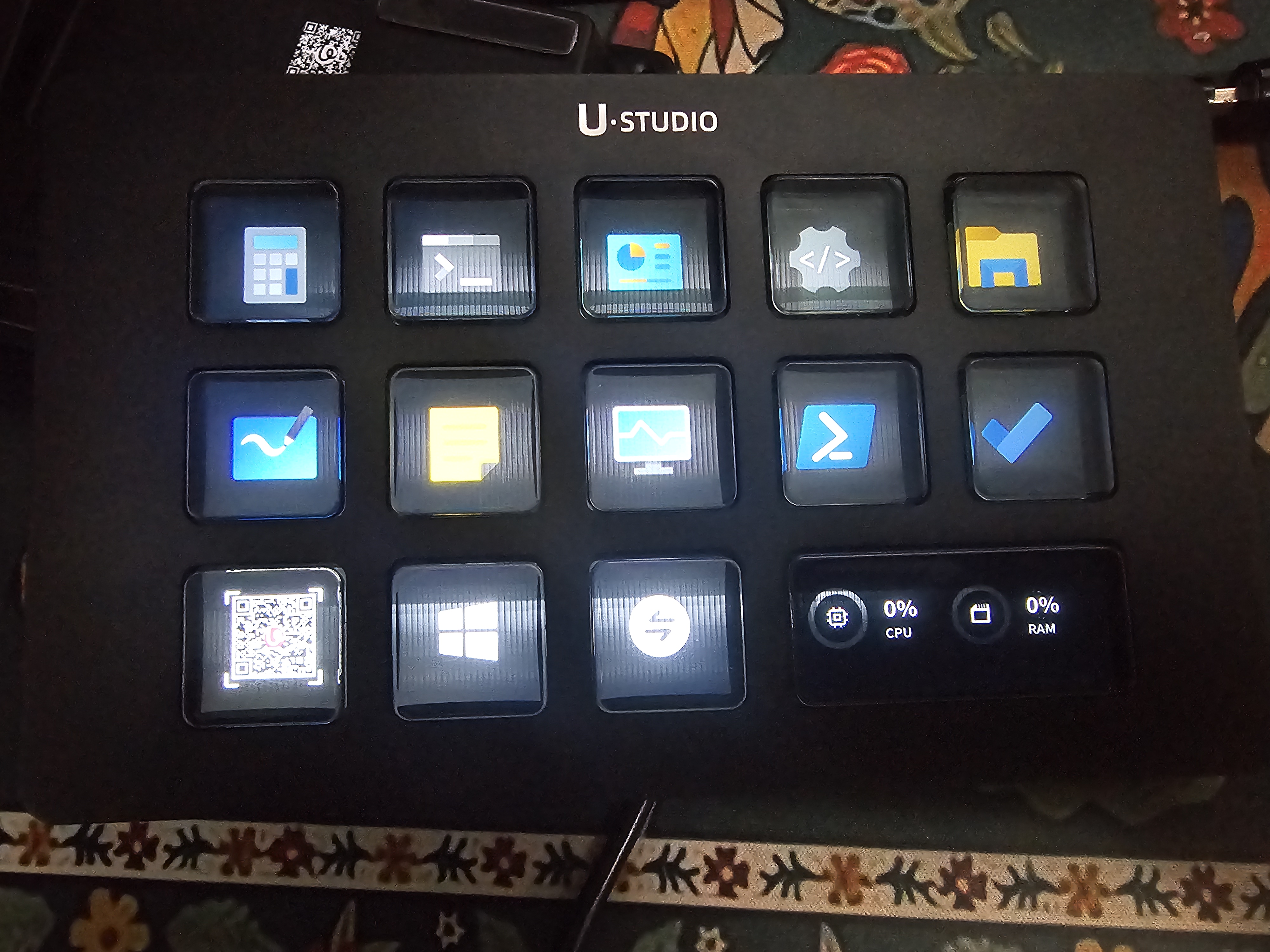
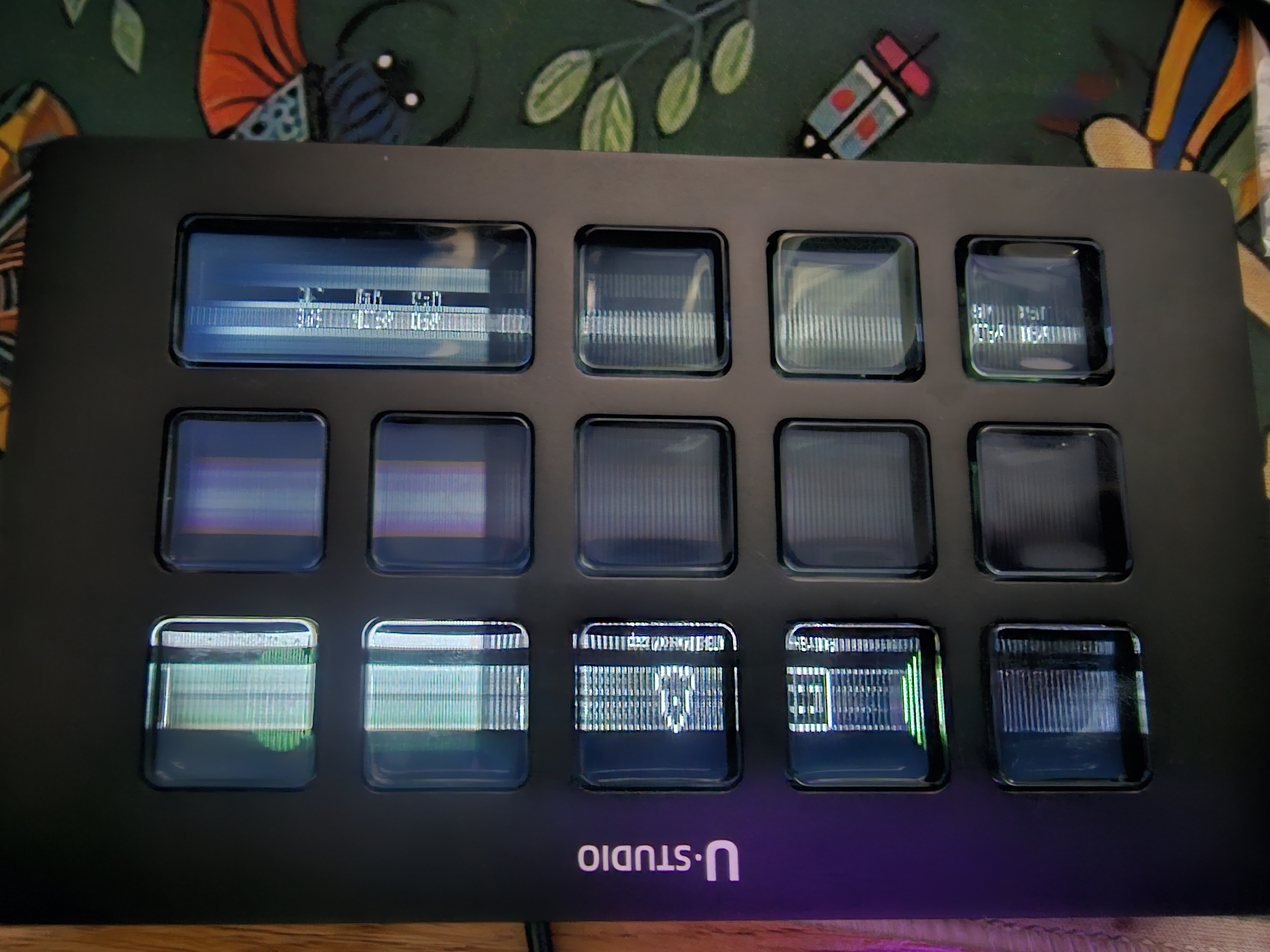
With firmware 2.0.3, Ulanzi Studio detects the device and buttons/profiles update correctly, but the screen shows constant glitch lines from startup.
With firmware 1.7.40, the screen distortion is reduced, but lines are still visible from startup and button updates do not work correctly.
I am attaching photos [img][/img]showing the screen issue and the current behavior of the device.
Could you please review the attached files and advise whether there is another firmware version or a specific firmware for this device batch?
Hello, please contact the customer service of the purchasing platform's store to synchronize the relevant information. The customer service will provide you with after-sales service. Thank you.
 English
 简体中文
简体中文 繁體中文
繁體中文 한국 사람
한국 사람 日本語
日本語 Deutsch
 русский
 بالعربية
 TÜRKÇE
 português
 คนไทย
คนไทย french

 发表于 2026-5-3 12:32:52

 发表于 2026-5-3 18:19:24