|
|
 发表于 2026-4-3 17:55:56
|
显示全部楼层
发表于 2026-4-3 17:55:56
|
显示全部楼层
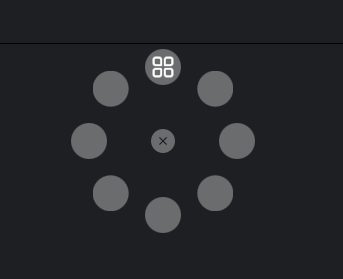
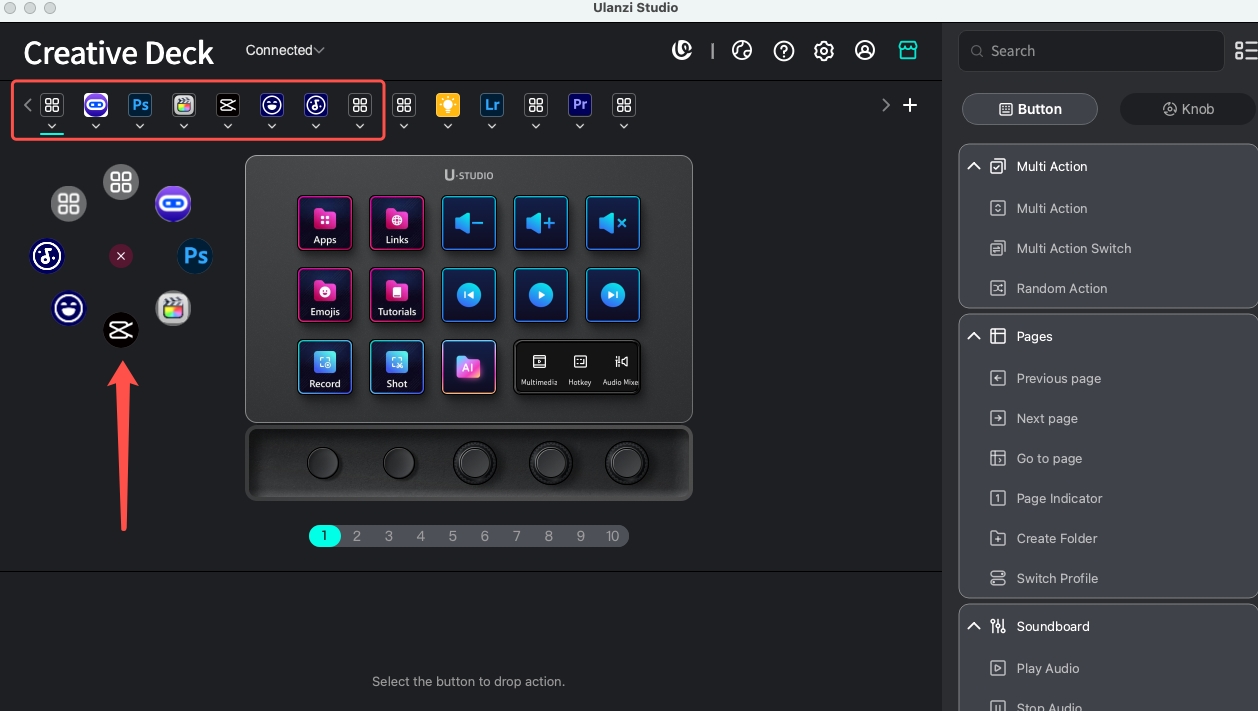
Hello, by default, pressing the Windows button brings up the preset selection pop-up, which displays the top 8 Profiles from the home screen. You can download a few Profiles from the MarketPlace and try them out. If you need to adjust the order, you can long-press a Profile icon on the home screen and drag it to swap positions.
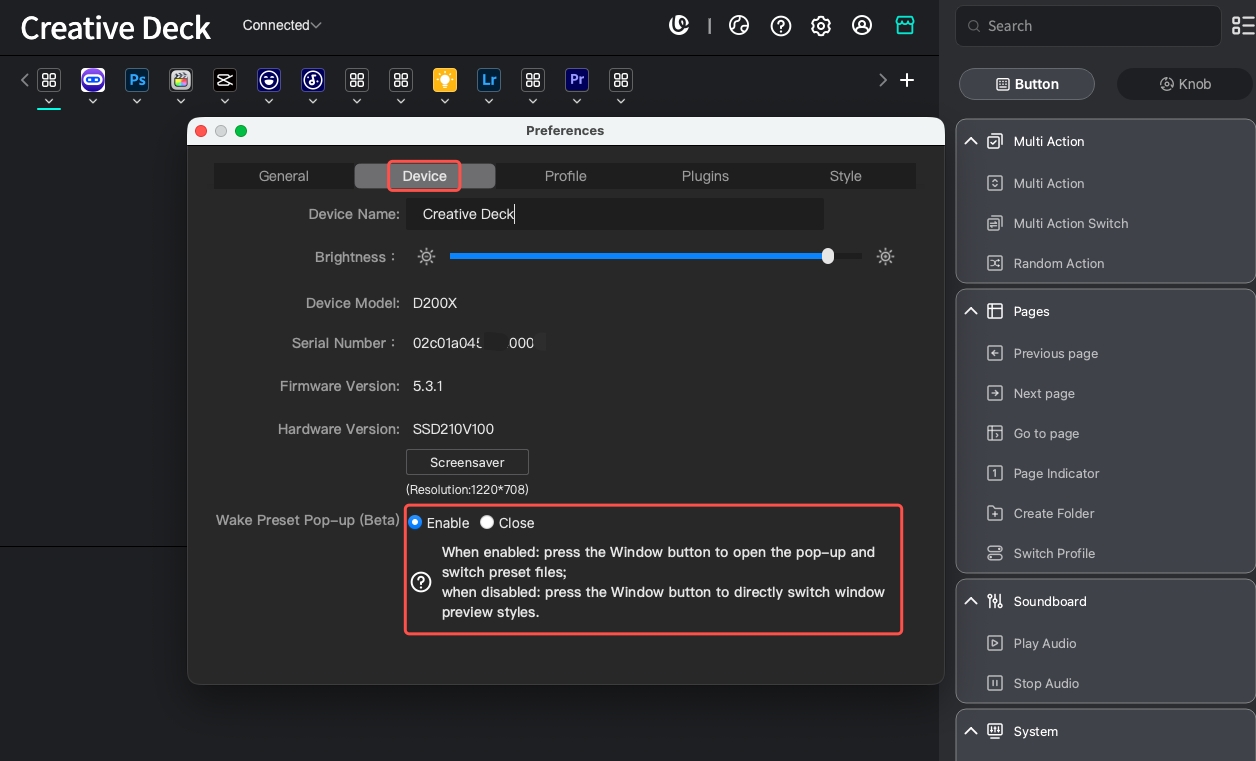
If you want to disable the pop-up, go to Settings > Device and toggle the switch off. After that, pressing the button will switch between different window contents.
|
|
 English
 简体中文
简体中文 繁體中文
繁體中文 한국 사람
한국 사람 日本語
日本語 Deutsch
 русский
 بالعربية
 TÜRKÇE
 português
 คนไทย
คนไทย french

 发表于 2026-4-3 14:56:01