|
|
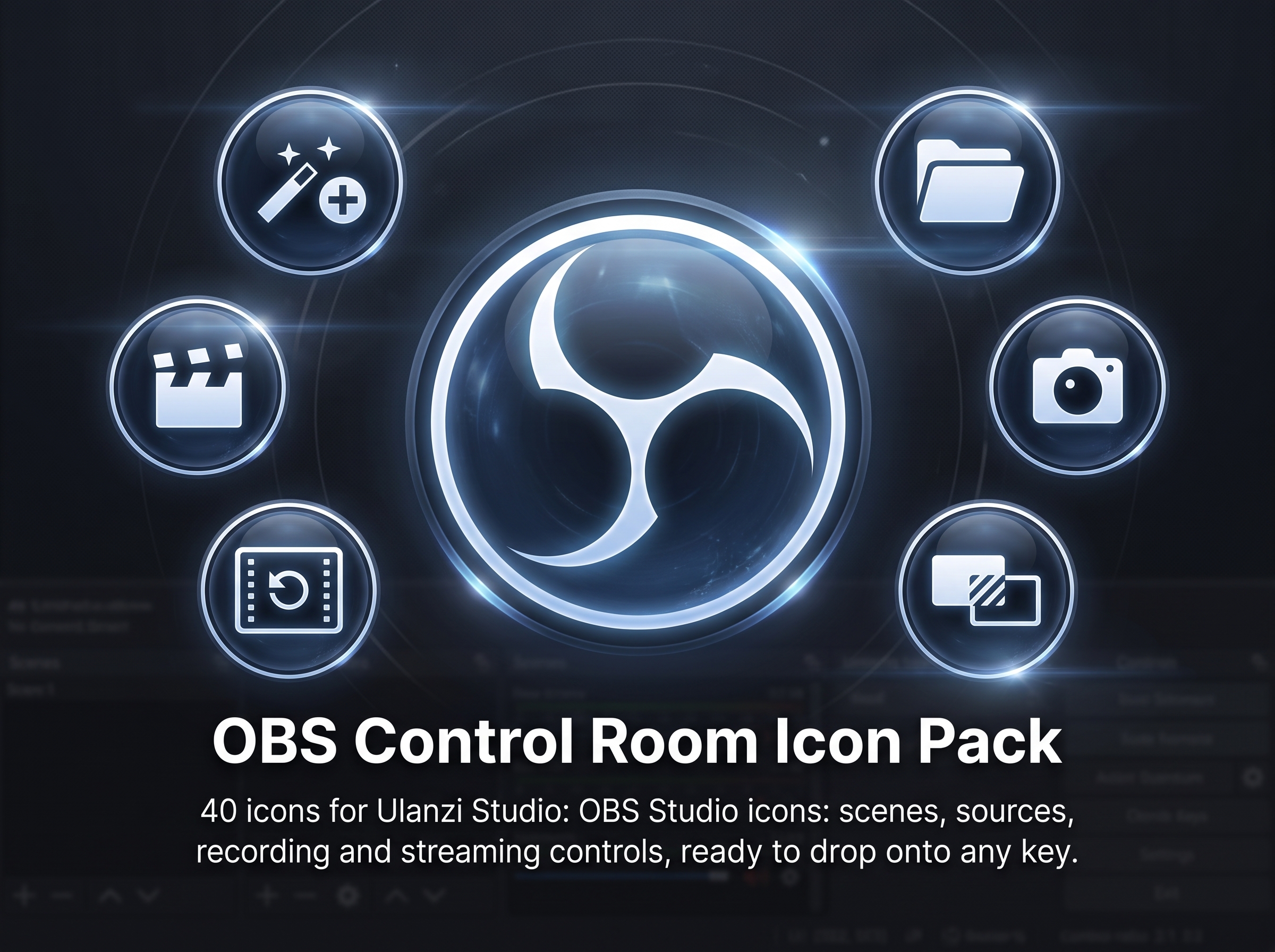
OBS Control Room – a pack of 41 icons for OBS Studio in Ulanzi Studio
Dear all,
I'd like to share OBS Control Room, an icon pack designed for OBS Studio users who use Ulanzi Studio to control their broadcasts without having to keep the OBS interface in the foreground.
One feature of this pack deserves special mention: most controls are provided in state pairs (on/off), making it possible to create a clear visual indication on the deck of what is currently active—for example, instantly knowing whether recording or streaming is in progress.
Areas covered by the pack:
- Streaming and recording: start/stop stream, start/stop recording, pause/resume recording
- Replay buffer and captures: enable/disable replay buffer, save replay buffer, capture screenshot
- Scenes and collections: switch scene, switch scene collection
- Scene items: visibility, transform adjustment (increase/decrease), reset transform
- Audio sources: mute/unmute
- Media sources: play, pause, stop, restart
- Filters: enable/disable filter, add/remove filter, default settings
- Transitions and Studio Mode: switch transition, Studio Mode transition, enable/disable Studio Mode
Technical specifications:
- Format: PNG
- Number of icons: 41
- Category: Streaming
- Compatibility: Ulanzi Studio (Windows and macOS)
Installation:
1. Download the repository: https://github.com/JEAN-ALMEIDA-CZO/OBSControlRoomIconPack
2. On Windows, run "instalar_icones_ulanzi.bat". On macOS, run "instalar_icones_ulanzi.command" (you may need to grant execution permission using "chmod +x").
3. Restart Ulanzi Studio.
4. The icons will be available under: Icons → OBS_Control_Room
For manual installation, copy the files from the inner "OBS Control Room Icon Pack" folder to the Ulanzi Studio icons directory, as described in the repository README.
Repository: https://github.com/JEAN-ALMEIDA-CZO/OBSControlRoomIconPack
If you have any questions, encounter any issues, or have suggestions for new controls, feel free to reach out either in this thread or by opening an Issue in the repository.
Best regards,
Jean Almeida
|
|
 English
 简体中文
简体中文 繁體中文
繁體中文 한국 사람
한국 사람 日本語
日本語 Deutsch
 русский
 بالعربية
 TÜRKÇE
 português
 คนไทย
คนไทย french

 发表于
发表于