|
|
Dear Ulanzi Community,
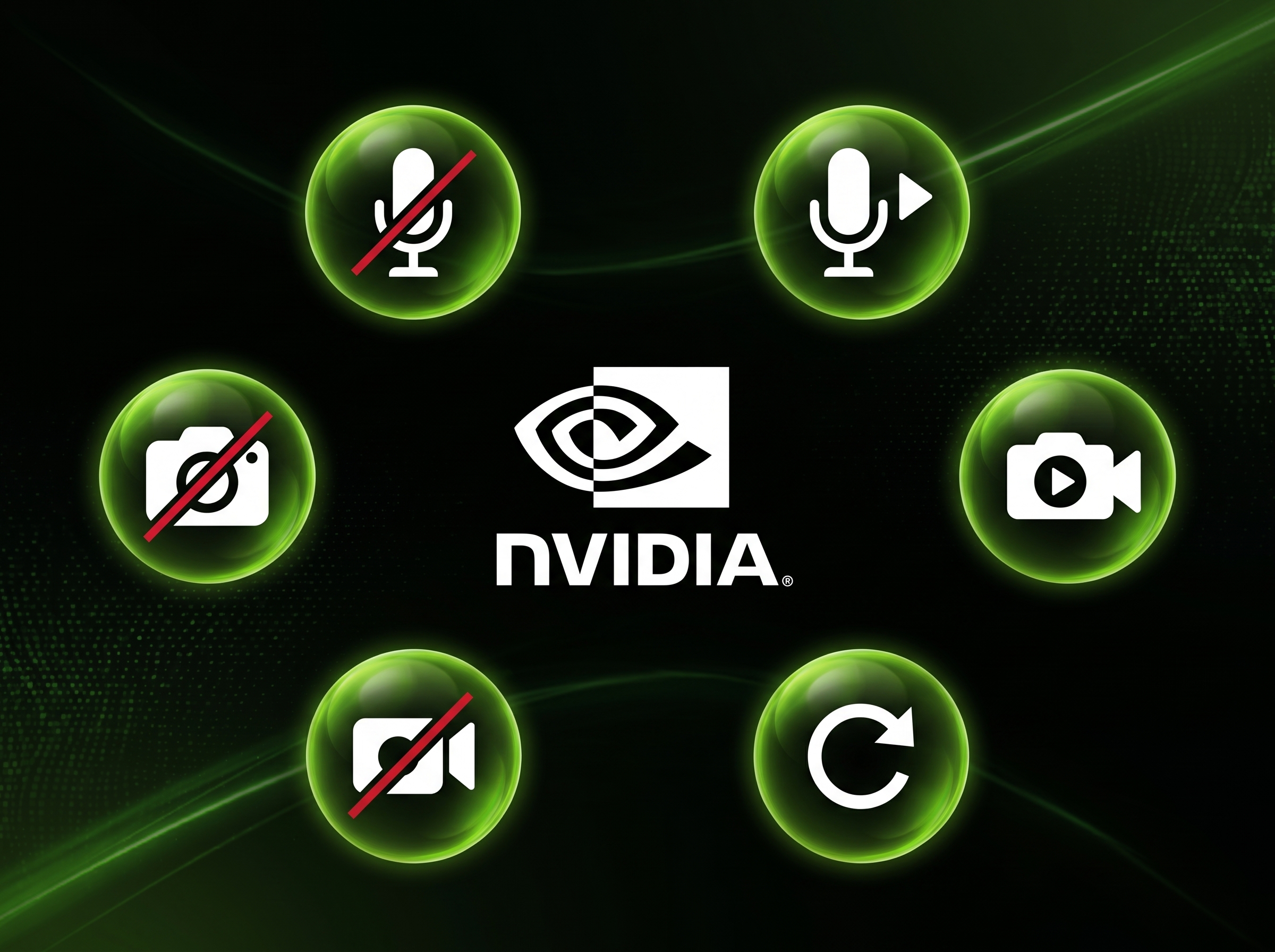
I'd like to share the NVIDIA Broadcast Icon Pack, a collection of icons designed for NVIDIA Broadcast users who use Ulanzi Studio to monitor recording, broadcasting, streaming, and replay status without having to check the application's interface.
The pack is organized as follows:
- Broadcast: icons for the on and off states.
- Recording: three variations for each state, on and off.
- Replay: three variations for each state, on and off.
- Streaming: three variations for each state, on and off.
- Application shortcuts: quick-access icons for NVIDIA, NVIDIA Broadcast, and GeForce NOW.
Providing multiple variations for each state allows you to choose the one that best fits your deck layout while maintaining a consistent visual indication of what is currently active.
Technical specifications:
- Format: PNG
- Number of icons: 23
- Category: Streaming
- Compatibility: Ulanzi Studio (Windows and macOS)
Installation procedure:
1. Download the repository: https://github.com/JEAN-ALMEIDA-CZO/NVIDIABroadcastIconPack
2. On Windows, run `install_ulanzi_icons.bat`. On macOS, run `install_ulanzi_icons.command` (you may need to grant execution permission using `chmod +x`).
3. Restart Ulanzi Studio.
4. The icons will be available under: **Icons → NVIDIA_Broadcast**
For manual installation, copy the files from the internal **"NVIDIA Broadcast Icon Pack"** folder to the Ulanzi Studio icons directory, as described in the repository's README.
Repository: https://github.com/JEAN-ALMEIDA-CZO/NVIDIABroadcastIconPack
Comments, bug reports, and suggestions for additional icons are welcome in this thread or as an Issue in the repository.
Best regards,
Jean Almeida
|
|
 English
 简体中文
简体中文 繁體中文
繁體中文 한국 사람
한국 사람 日本語
日本語 Deutsch
 русский
 بالعربية
 TÜRKÇE
 português
 คนไทย
คนไทย french

 发表于
发表于